Move a pageKeep every visitor
Rename a page or move it to a new spot and the old address sends people to the new one. Add your own rules for anything else, and see which broken links people are hitting.
Included on every plan.
You renamed a page
Your site added this redirect for you.
/classes/sourdough/classes/sourdough-workshop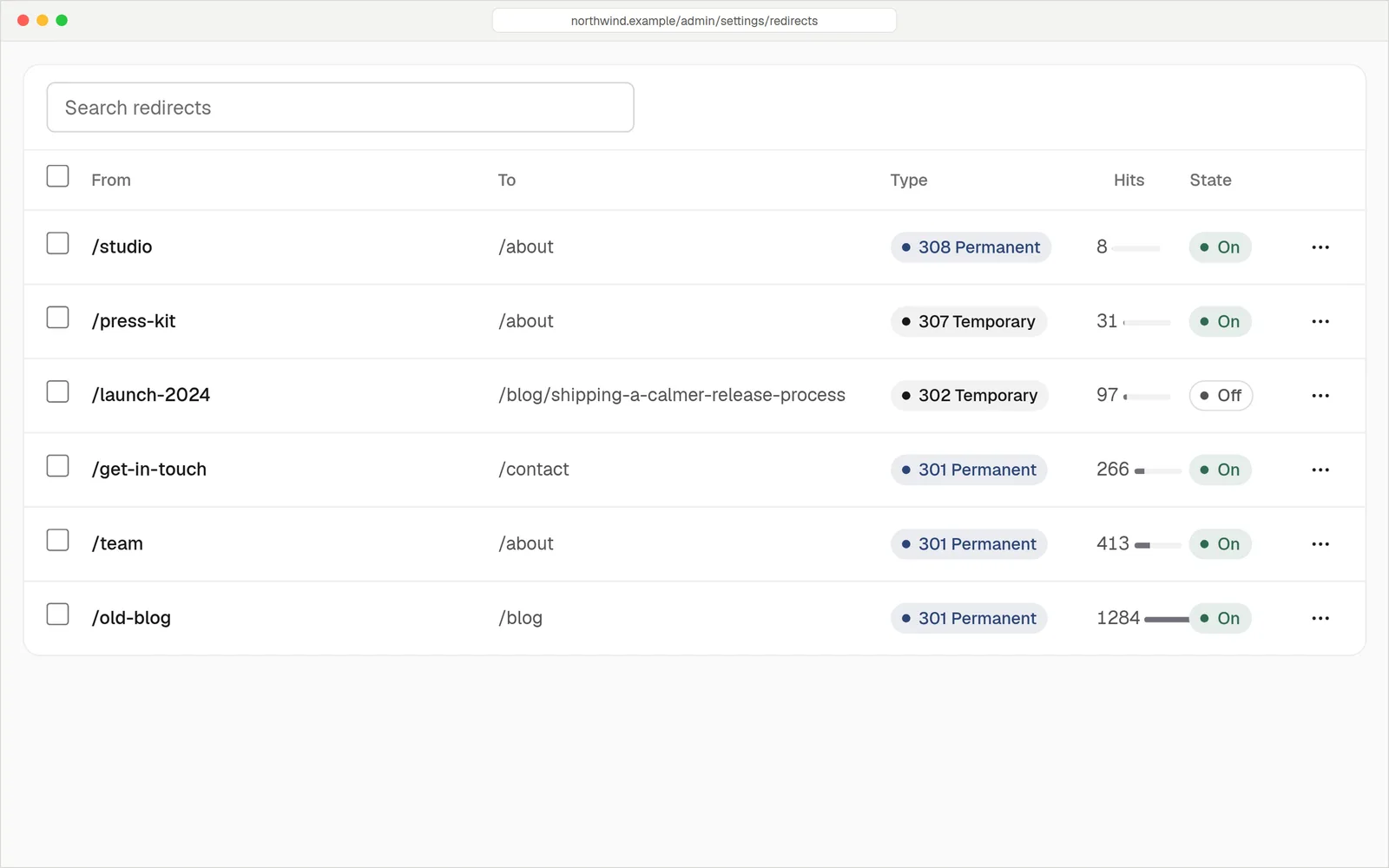
Your redirect rules, with how often each one was used.
Change a page's addressWe do the rest
When you change the slug or the parent of a published page, its old address redirects to the new one. So do the pages underneath it. Rename a category or a tag and its archive pages follow too.
- No chains. If an older rule pointed at the old address, it's updated to point straight at the new one.
- The page wins. If you later publish something new at an old address, the automatic redirect steps aside.
- Yours are never touched. Rules you write yourself are left exactly as you made them.
Send old addresses where you want
Type the old address and the new one, pick the type, save. It works the moment you save it. Turn a rule off to keep it without using it, and delete it when you're done.
- Permanent or temporary. Choose 301 or 308 for a move that's for good, 302 or 307 for something temporary.
- Whole sections in one rule. A pattern like /blog/* can send every page under it somewhere new.
- Hit counts. See how many times each rule has been used, so you know which old links still matter.
- Send people elsewhere. The destination can be a page on your site or another website.
/menu→/bread301 842/blog/*→/journal/$1301 311/summer-sale→/offers302 96/old-shop/**→https://shop.example.com301 54One rule can cover a hundred pages
Use * for one part of an address and ** for everything after it. The target can reuse what was matched with $1.
Exact rules beat patterns, and the more specific pattern wins. A visitor's query string is kept on a pattern match.
404 log
Addresses that didn't exist
/classes/kids38 hitsOpen/gift-cards21 hitsOpen/menu.pdf9 hitsHas a redirect/wp-login.php214 hitsIgnored/menu.pdfRule matched → /breadSee what visitors couldn't find
The 404 log lists addresses people asked for that don't exist, how many times and where they came from. Turn a miss into a redirect, or ignore the ones that don't matter.
- Create a redirect from a miss. The old address is filled in for you.
- Ignore or remove junk addresses so the list stays useful.
- Test a URL. Type any address and see which rule catches it, step by step.
Everything you need to keep links alive
Automatic on rename
Change a slug or move a page and the old address redirects. Sub-pages come along.
Tags and categories
Rename or re-parent one and its archive pages redirect to the new addresses.
Pattern rules
Match one part of an address with * or the rest of it with **, and reuse it with $1.
301, 302, 307, 308
Pick permanent or temporary, and whether the request method is kept.
Hit counts
Every rule shows how often it was used. Search the list, and turn rules on or off in bulk.
Loop protection
A rule that would send a page to itself, or that is too broad to be safe, is refused when you save it.
In an example move, a bakery's 38-page, 214-post WordPress site had 252 old addresses that changed. When you move to hatamoto.io, every address that changed gets a redirect, so old links and old search results still land on the right page. How the move works
QuestionsAnything else, just ask
Talk to usThey send visitors and search engines from the old address to the new one, which is the right way to move a page. We can't promise how any search engine will rank you afterwards.
At once. Redirects are checked before the page cache, so adding or removing one changes what visitors get immediately.
Owners and editors can both add, change and delete rules.
Yes. Rules are checked before content, so a rule wins over a live page at the same address. Delete the rule and the page is back.
Yes. The destination can be a full web address.
When we move your WordPress site, every old address that changed gets a redirect. Our team does this for you on the Business plan.
Move things around freely
Try it free for 14 days. Card needed, nothing charged until the trial ends.